Software & Apps

Things I've Built

As the owner of a website agency, staying on top of AI is core for survival. I've spent the past year working with both Claude Code and Codex to build quite a few different tools, applications, and websites - this website being just one of them.

These projects range from production business systems to private apps and experiments. Some replace paid subscriptions. One organized a family trip through Italy. Another turns household chores into a competition. They all solve real problems, and they are tools that are used by either me or my team at Iceberg nearly daily.

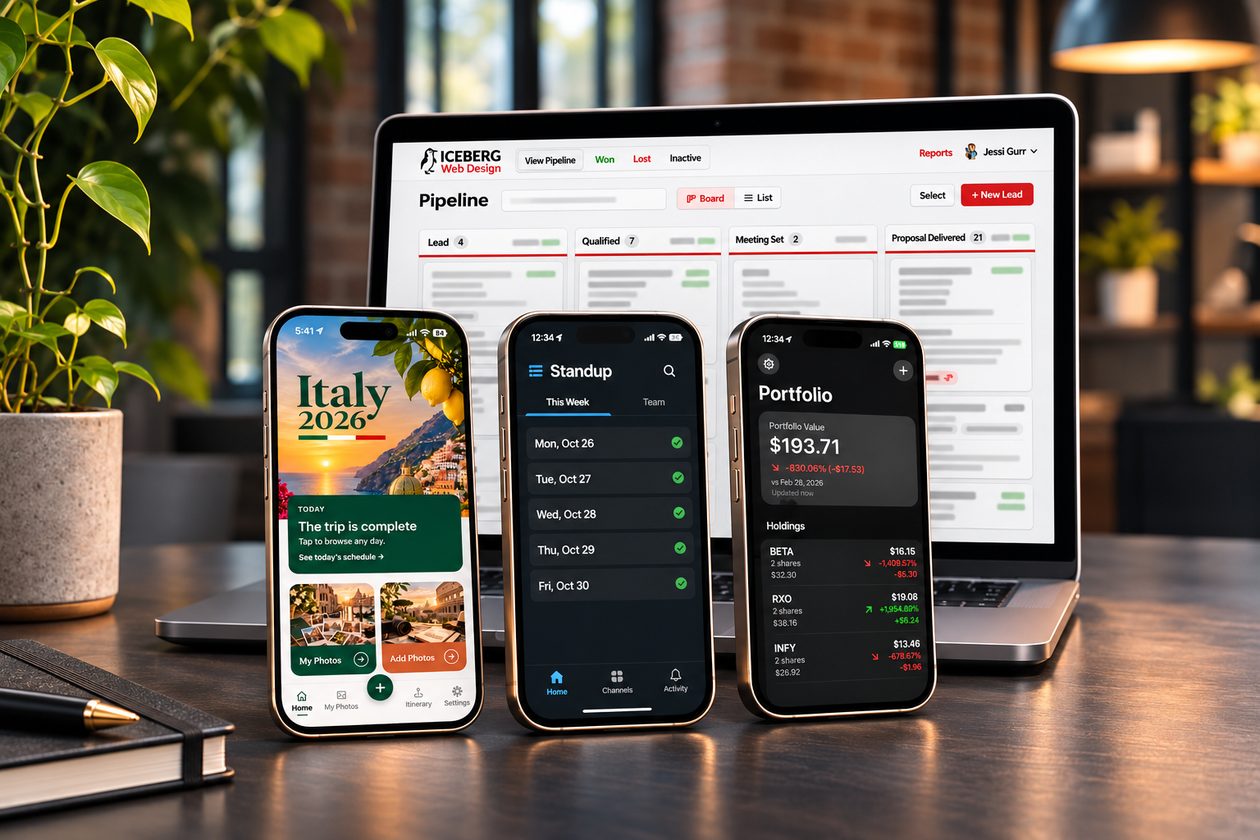
Apps Jessi has built, shown on a laptop and three phones

Business Tools

Internal Iceberg tool

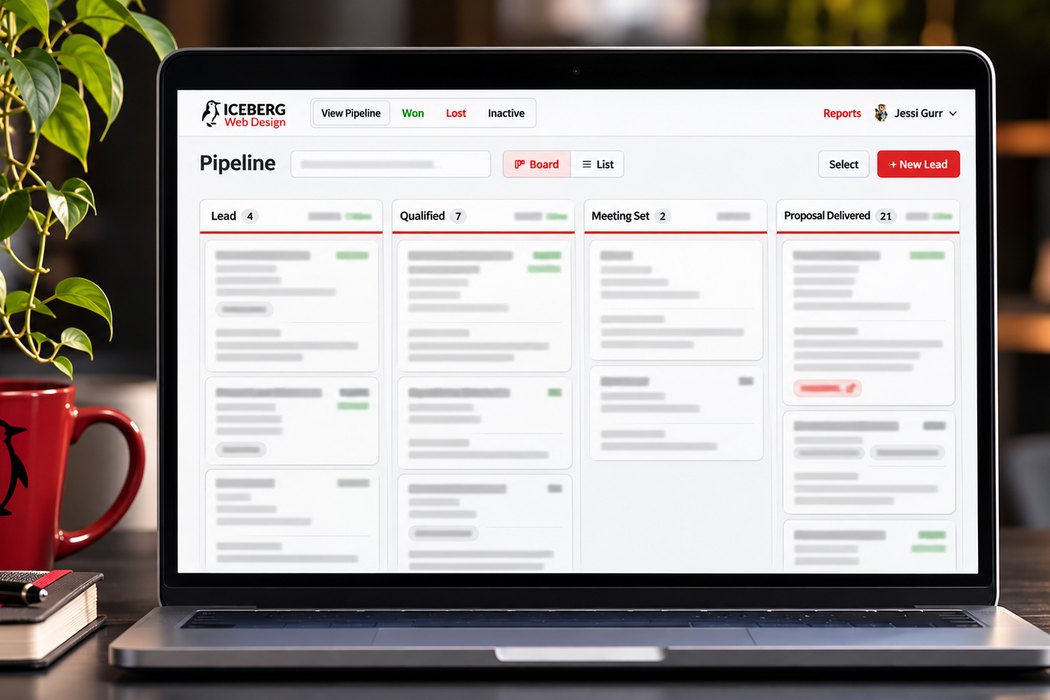
Iceberg Sales Pipeline

I built a custom CRM for Iceberg Web Design and moved 672 existing leads into it, replacing a system that wasn't the right fit for how our team works.

ResultReplaced our old CRM, carried over all 672 existing leads, and is now the system our sales team works from.

Why I built it

A generic CRM wasn't built around how our team actually sells.

What I built

  • A visual pipeline where leads move through stages and close as won or lost, with a recorded reason.
  • Contact details, notes, and follow-up dates on every record.
  • Searchable closed records and a full data export.
  • Administrator and sales-user roles, with user management for admins.
  • Automated email reminders and a daily activity digest, so follow-ups don't depend on somebody remembering to check a dashboard.

Stack

  • Python 3.12
  • Django 6
  • MySQL 8
  • uWSGI
  • Scheduled email jobs
More details

The hard part

I migrated and reconciled all 672 leads from the old system, then deployed the app on our own hosting servers, working through a custom Python build, a socket-only MySQL connection, and restricted outbound mail.
Internal Iceberg tool

Iceberg Daily Standup

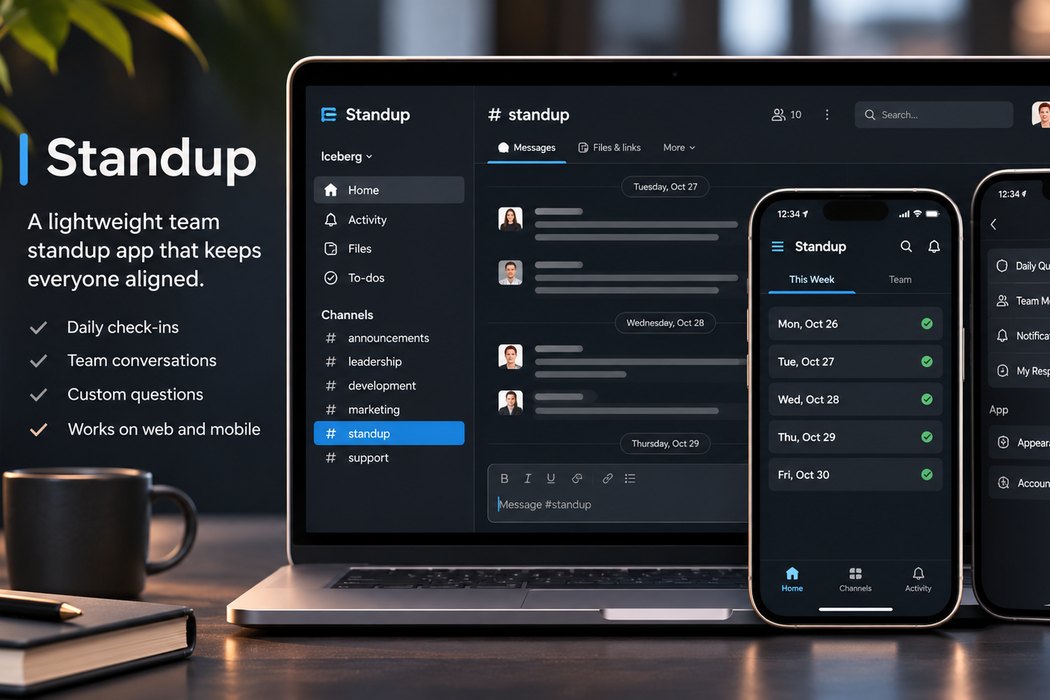
Our team paid for a Slack standup service. I built a replacement that handles the questions, reporting, holidays, and schedules exactly the way we need, running on our own hosting without the subscription.

ResultReplaced a paid Standuply subscription with a standup tool built exactly for our team, running on our own hosting.

Why I built it

We were paying for a general-purpose Slack standup service we couldn't adjust to how we work.

What it does

  • Sends each person a Slack direct message, one question at a time, at their own scheduled time (5:45 a.m. Central by default).
  • Posts answers to a team channel as a threaded report under each person's name and avatar, with photos inline under the answer they belong to.
  • Updates the report when someone edits a reply, and accepts late notes and images for 16 hours.
  • Skips federal holidays and company closures, sends a reminder after five hours, and posts partial answers or a "No answers" notice after 12.
  • Asks weekday-specific questions written for a web and marketing agency, plus a rotating fun question that avoids recent repeats.

Stack

  • Node.js
  • Slack Bolt (Socket Mode)
  • MySQL
  • Express
  • EJS
More details

The admin site

Sign in with Slack, with owner, admin, and editor roles. Staff can edit questions, holidays, schedules, and settings, add anyone in the Slack workspace, and hit Run now. Nightly database backups and a built-in health check keep it dependable.

Reliability

Unit tests plus a scripted end-to-end test with 77 checks against a scratch database. The deployment became the model I've reused for the apps that followed.

Personal project

Transcriber

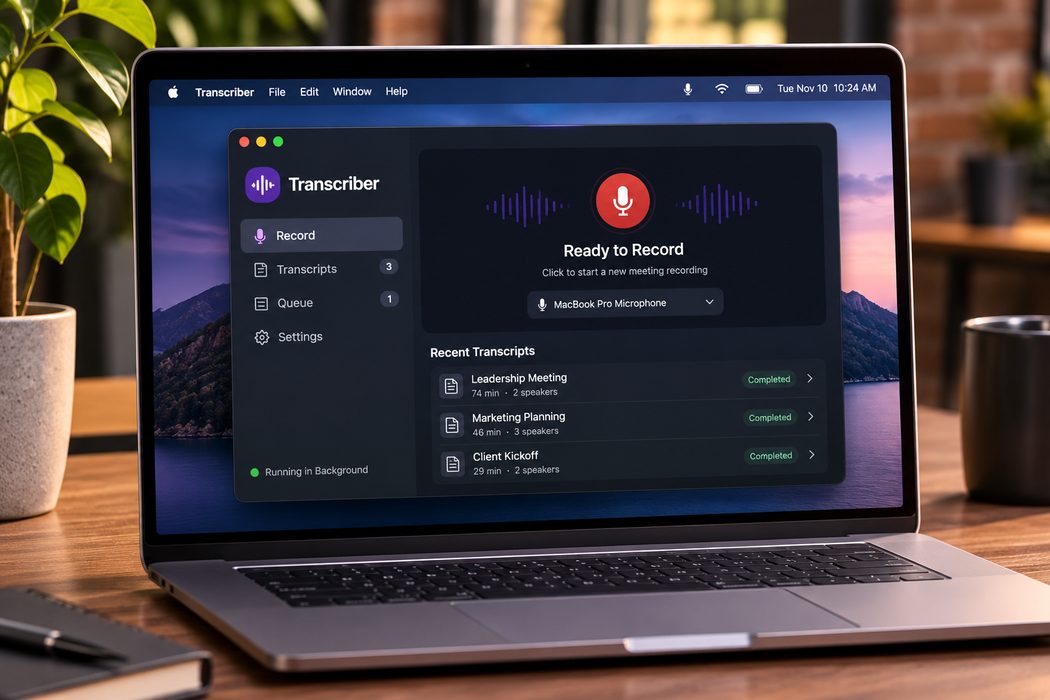
A meeting recorder and transcriber that runs entirely on my Mac. It's a private alternative to cloud subscription tools, built for confidential business conversations.

ResultPrivate, speaker-labeled meeting transcripts with no cloud subscription. A 74-minute meeting takes about 11 minutes on my 2021 MacBook Pro.

Why I built it

I built this to replace paid tools where we were reaching time limits for saved recordings. Additionally, I wanted a place to save transcribed meetings that was not on the cloud or third-party servers.

What it does

A menu bar app records through the Mac's microphone and produces timestamped, speaker-labeled transcripts. Recording starts with one click, and transcription begins automatically when it stops. A plain-text draft arrives within minutes, then gets replaced by the speaker-labeled version.

A speaker-count hint and a custom vocabulary list improve accuracy on names and jargon. Jobs queue and run one at a time, unfinished work resumes after a restart, and the app launches at login as a background service.

Stack

  • Python
  • Whisper large-v3-turbo via MLX
  • pyannote speaker diarization
  • rumps menu bar UI
More details

Under the hood

I compared three speech-to-text models before choosing one, tracked down a silent background-service environment failure, and tuned speaker assignment at the word level instead of only at sentence boundaries. Everything runs locally on the Mac's GPU, with no account, upload, or subscription.

On a 2021 MacBook Pro, a 74-minute meeting transcribes and speaker-tags in about 11 minutes.

Mobile Apps

Public app

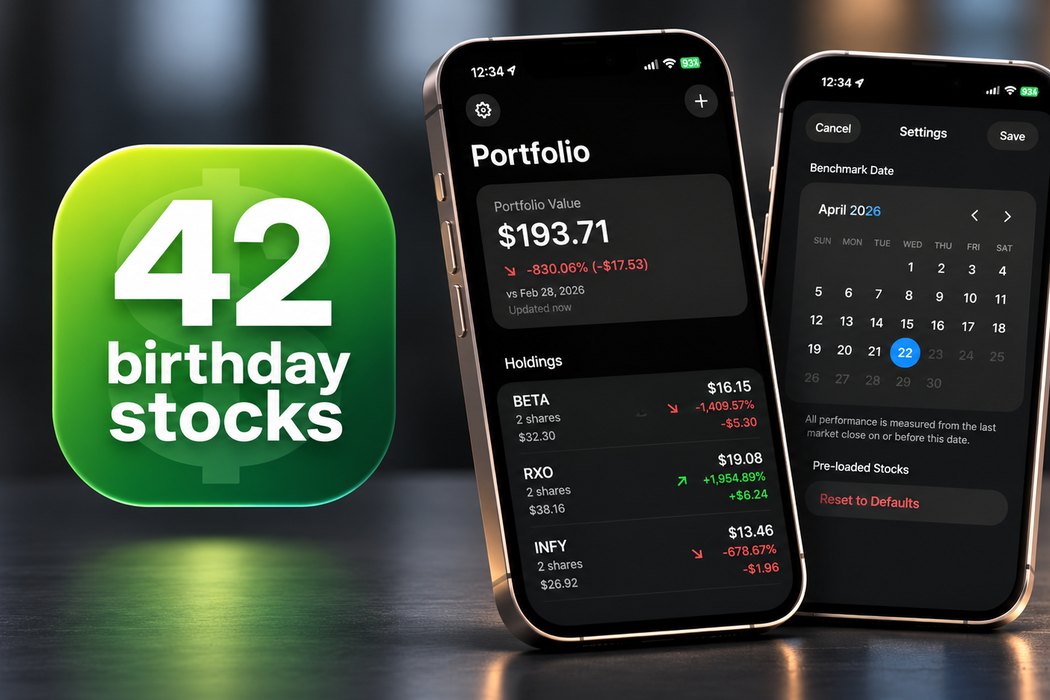
42 Birthday Stocks

Pick a date that matters and see how your stocks have moved since. 42 Birthday Stocks is an iPhone app I designed, built, and published on the App Store.

ResultDesigned, built, and published on the App Store.

Why I built it

What do you get your brother for his 42nd birthday? 42 stocks starting with the letters in his name, of course. I built this app when AI was just starting to prove its worth as a way to both test my professional development skills and give him a simple way to track how my birthday gift performs.

Stack

  • iOS
  • Swift
  • SwiftUI

Family app

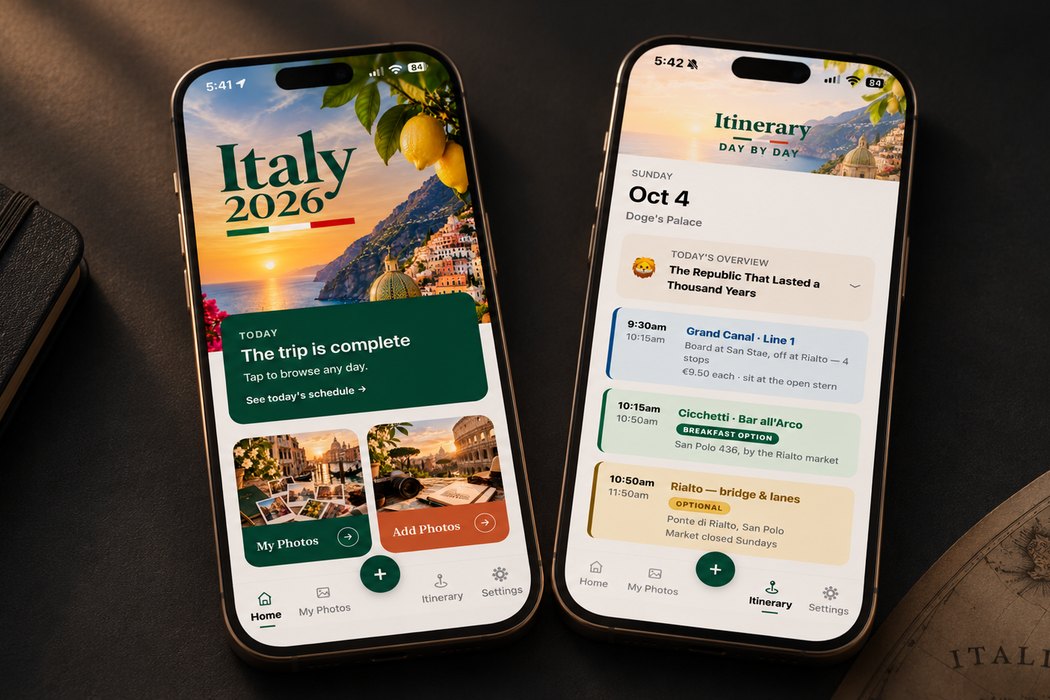
Italy Trip Companion

Four Italian destinations and a lot of bookings. I built an offline-first iPhone app to make one family trip easier to manage, without juggling PDFs, screenshots, and group texts.

ResultKept seven family members organized across four destinations and sixteen days in Italy, even with no signal.

Why I built it

Travel details were scattered across confirmations, tickets, and group texts, and we'd often be on trains, boats, or streets with no usable signal.

What it does

  • Live itinerary: a day-by-day plan across Venice, Florence, the Amalfi Coast, and Rome, with a Today view showing what's happening now and next. Every stop links to Maps.
  • Dining: vegan-vetted first and backup options for every meal, with ratings, prices, hours, and reservation status.
  • Logistics: lodging, tickets, and transit times on the day they're needed.
  • Memories: each traveler can capture photos, notes, and voice memos offline, then export them to merge into one shared collection after the trip.

Stack

  • Expo SDK 57
  • React Native 0.86
  • React 19
  • Expo Router
  • Xcode + CocoaPods
More details

How it works

Structured itinerary data drives the schedule, timeline, flight sections, and free-time gaps, including live now and next. No accounts, sync service, or backend required, so it's private by default. Built with Claude Code as my development partner; I handled the product design, architecture, and shipping.

WordPress Plugins

Client plugin

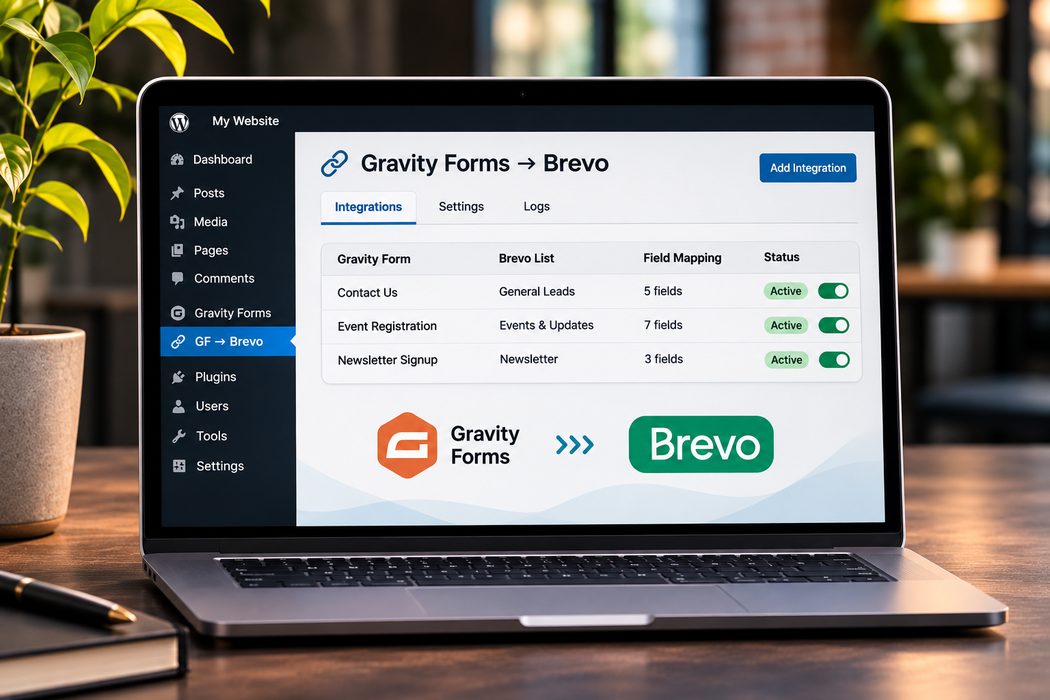
Gravity Forms → Brevo

A lightweight WordPress plugin that sends leads from Gravity Forms straight to Brevo, without paying for an extra automation platform.

ResultClient form leads flow straight into Brevo, with no paid automation platform in between.

Why I built it

Clients needed reliable form-to-CRM syncing, with different fields and lists for different forms.

What it does

Clients needed reliable contact capture from web forms into their marketing lists, with different fields and lists for different forms. One settings page manages multiple form integrations, each with its own field mapping and Brevo list, and the plugin creates and updates contacts through the Brevo REST API.

Stack

  • WordPress
  • Gravity Forms
  • Brevo REST API

Client plugin

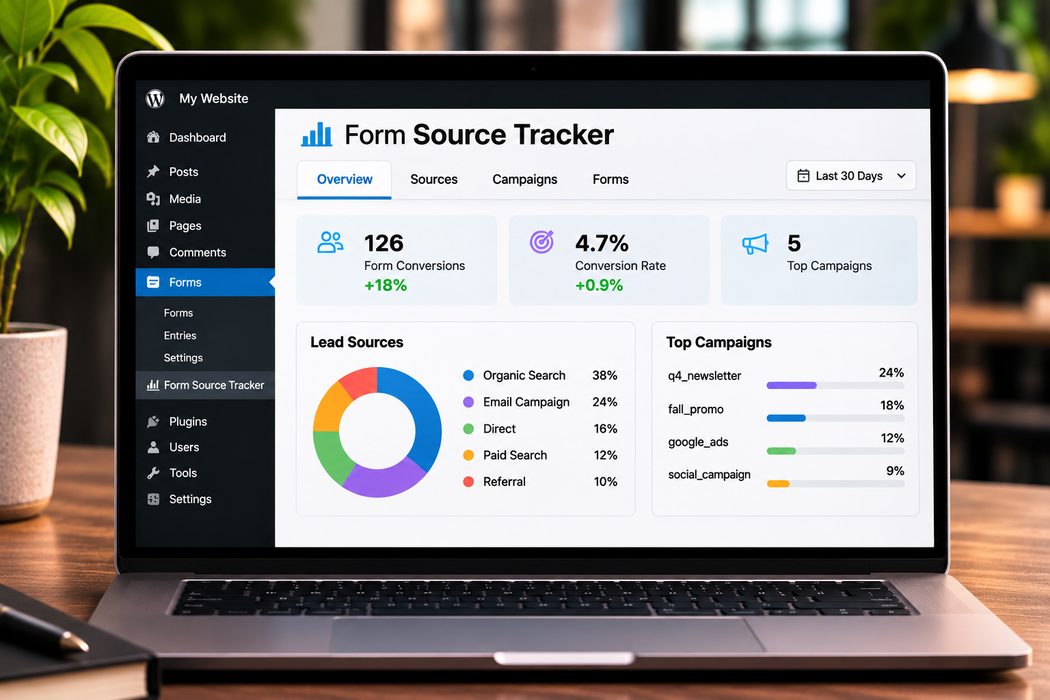
Form Source Tracker

A Gravity Forms plugin that helps businesses understand where their leads come from and which marketing efforts are generating results.

ResultShows exactly which campaigns and sources are producing leads.

What it tracks

Lead sources, marketing channels, UTM campaign parameters, referring websites, and conversion dates. This information helps identify which campaigns are bringing in leads and where marketing dollars are making the biggest impact.

Where it shows up

Lead source details appear directly within Gravity Forms entries and notification emails. A reporting dashboard provides source breakdowns, conversion statistics, and filters to compare performance across forms and marketing campaigns.

Stack

  • WordPress
  • Gravity Forms

Internal Iceberg tool

Sales Penguin — Gravity Forms → Slack

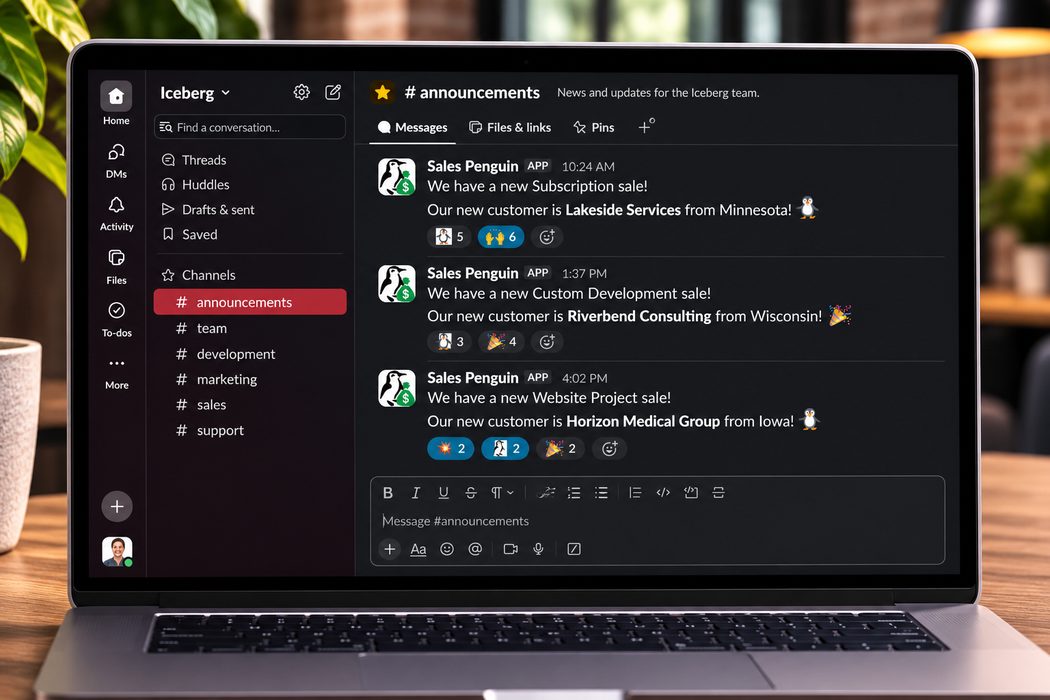
Meet Sales Penguin, Iceberg's official sales announcer. Every time a new customer signs on, he delivers the good news straight to Slack so the entire team can celebrate.

ResultEvery new Iceberg sale is announced in Slack within moments, with no Zapier subscription required.

What it does

Iceberg's sales process runs through our proposal website, with orders submitted through Gravity Forms. This custom WordPress plugin sends new sales directly to Slack, including the customer's name, location, and type of project. The team gets an immediate announcement and a chance to celebrate another win.

Under the hood

Sales Penguin originally worked through Zapier, but thanks to Claude Code, he's taken a direct flight to a custom WordPress plugin. No third-party automation platform or subscription required. He now lives somewhere between Iceberg's proposal website and Slack, doing what penguins do best: celebrating with the team.

Stack

  • WordPress
  • PHP
  • Gravity Forms
  • Slack Web API

Personal Projects

Personal project

AI Stock Research Assistant

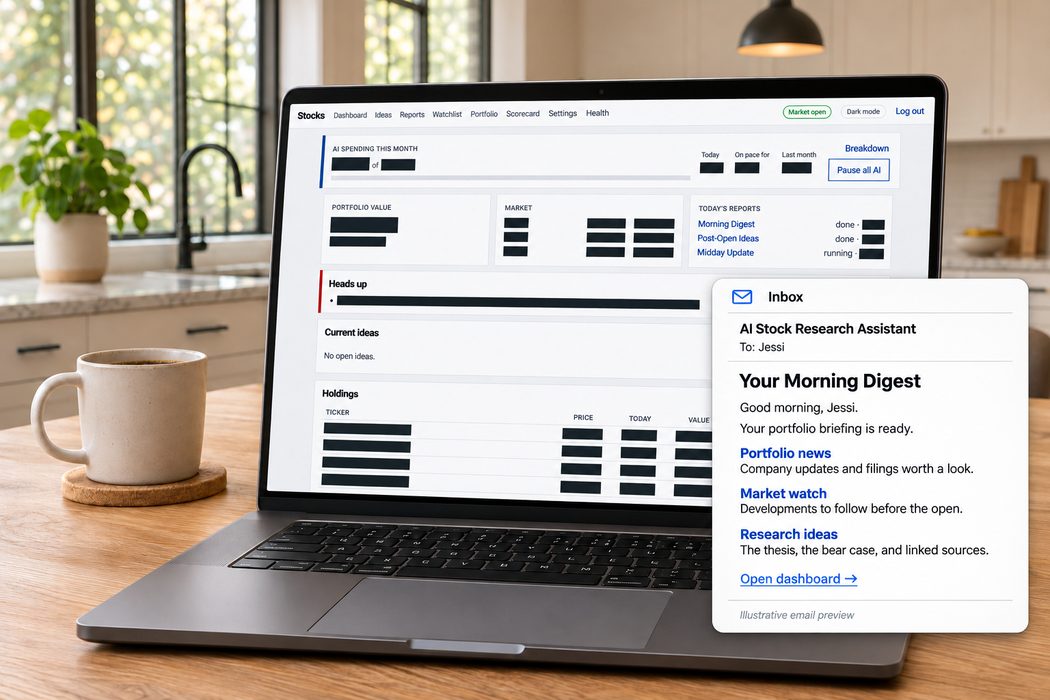
A stock research assistant built around my portfolio and watchlist. It follows the news, reads company filings, looks for companies I haven’t considered, and emails me three research reports each market day. It never places trades.

ResultI get research about my investments in my inbox before the market opens, for about the monthly cost of a streaming subscription. The scorecard keeps a record of how the ideas perform, including the ones that don’t work out.

Why I built it

I built this mostly for fun. I wanted to see how different AI tools could work together and what it would cost to run multiple market checks throughout the day. My own portfolio gave me something useful to experiment with, and tracking the daily spending became part of the project.

What it does

  • Sends a briefing before the market opens, followed by post-open ideas and a midday update.
  • Screens thousands of companies for potential research ideas.
  • Explains the case for each idea, the argument against it, and what would prove it wrong.
  • Paper-trades its ideas and compares their performance with the S&P 500 over time.
  • Keeps my holdings, watchlist, reports, and results in a private dashboard.

How it works

Code handles the calculations, while Claude reads and interprets the information. A second AI review challenges each idea, and automated checks determine what makes it into a report. Sources are linked, and claims are marked as facts, interpretations, or assumptions.

I also built in a monthly spending limit, failure alerts, and a pause button. If there’s nothing worth suggesting, it can say so.

Stack

  • Node.js
  • TypeScript
  • Express
  • EJS
  • MySQL
  • Claude API
  • Finnhub
  • SEC EDGAR
  • node-cron
  • Nodemailer

Family app

Chore Championship

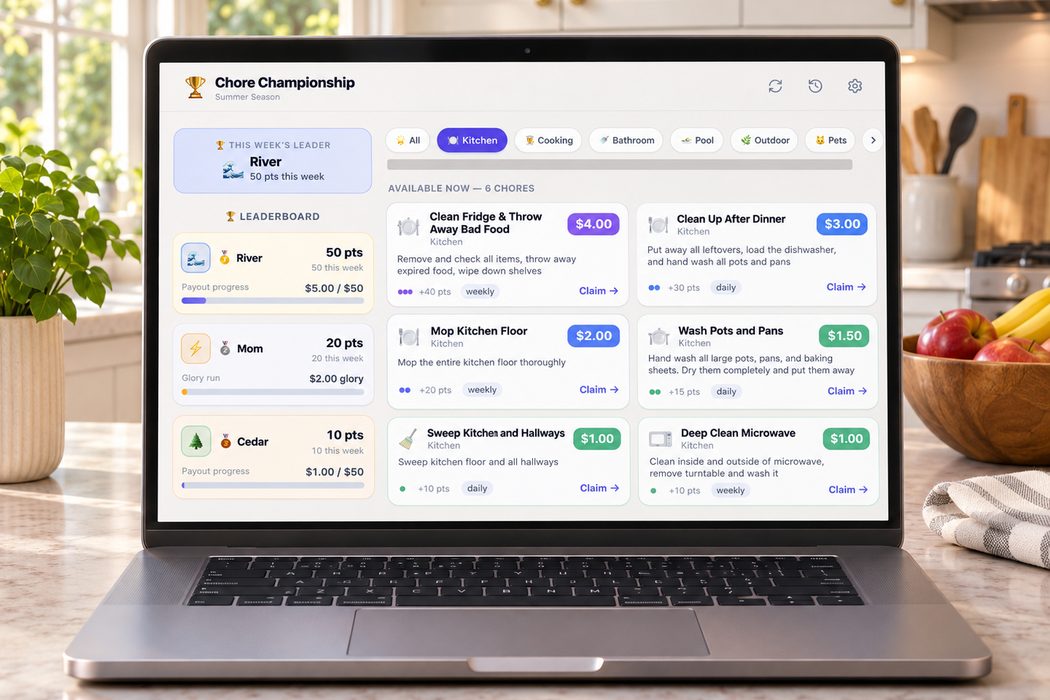
A real-time chore competition for our family. Competitors earn rewards and glory points. One participant competes for glory only. Management is investigating.

ResultTurned household chores into a family competition, with a live leaderboard on the wall.

Why I built it

I wanted everyday chores to be visible, competitive, and a little more fun.

What it does

A live leaderboard tracks standings, streaks, and badges. Chores award cash and glory points, with recurring, one-time, and cooldown-based availability. A PIN-protected admin panel handles chore setup and payouts, and a special-event mode switches whole bundles of jobs on and off for things like party prep.

It's designed for a wall display, with daily and weekly tallies and a 60-second auto-refresh.

Stack

  • Next.js 14
  • TypeScript
  • Supabase / PostgreSQL
  • Tailwind CSS
  • Framer Motion
  • Vercel
More details

Under the hood

Data lives in Supabase, with service-role writes and row-level security for reads. The role rules deliberately separate reward-eligible competitors from the glory-only organizer.

Personal project

D&D Character Sheet

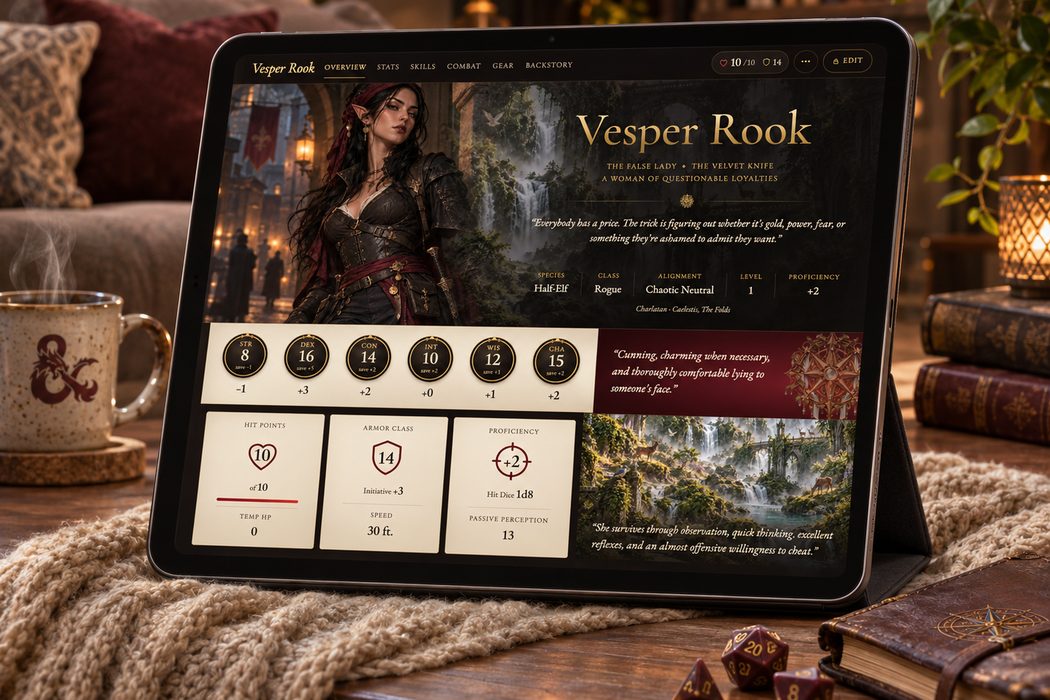
A web app for my Dungeons & Dragons character, built for the iPad I bring to the table. It's what happens when a personal interest meets the urge to build something more tailored than the tools already out there.

ResultMy character sheet lives on the iPad I bring to the table, editable mid-game.

Why I built it

I wanted a sheet tailored to my character and how I play, rather than a generic form. Also, I nearly erased the paper changing hit points and other stats on my last campaign, and this keeps my notes legible.

What it does

Tabs for overview, stats, skills, combat, gear, backstory, and history, with everything editable right at the table. Anyone can view the sheet; a PIN unlocks edit mode for the session, and private notes and history stay hidden from everyone else.

Stack

  • PHP
  • MySQL
  • Preact
  • htm
More details

Under the hood

Plain PHP and MySQL with no framework dependencies and a lightweight Preact front end, packaged as simple files and a database dump so updates are easy to deploy. An API test suite covers the data rules.